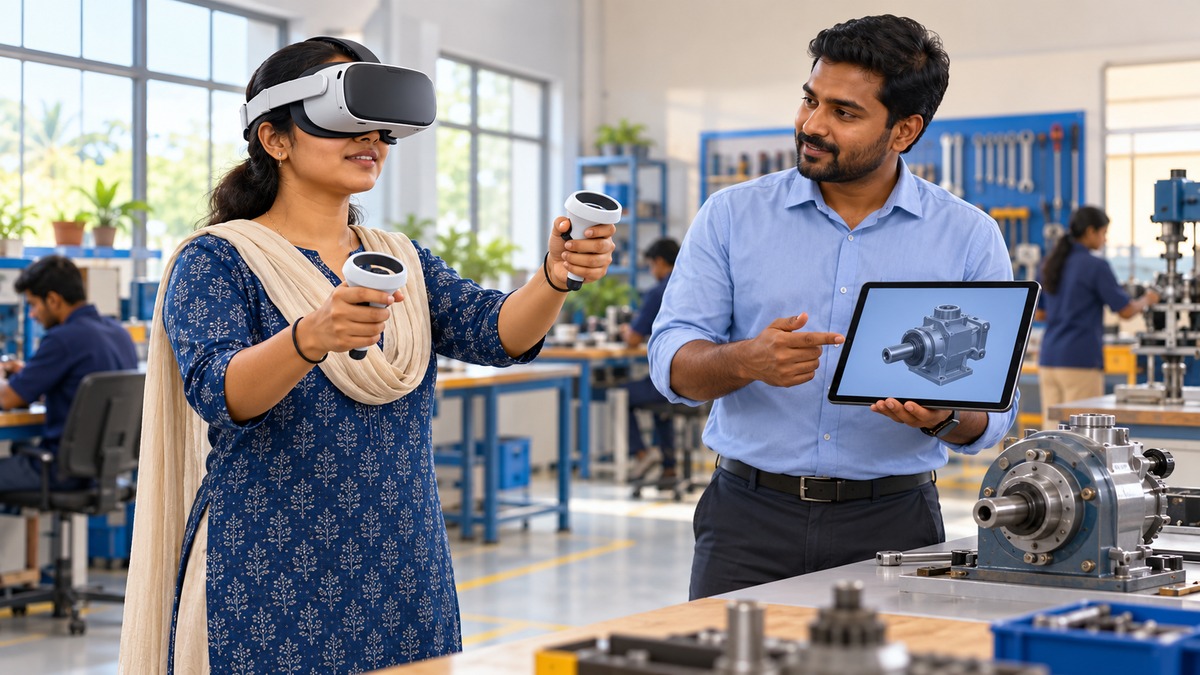
Immersive technologies in the news
The Emerging Science, Technology and Innovation Conclave, ESTIC 2026, is scheduled for 27–29 October at Bharat Mandapam in New Delhi. Its planned technology exhibition includes augmented reality and virtual reality experiences. This provides a useful starting point for understanding immersive technologies beyond entertainment: their potential in skill development, education, design and public services, and the safeguards needed when devices observe users and their surroundings.
For UPSC CSE and State PCS preparation, the topic connects science and technology applications under GS III with education, inclusion and governance concerns under GS II. The central distinction is between an impressive demonstration and a useful service. A simulation should be judged by what users learn or accomplish, not simply by how realistic its visuals appear.
Understanding AR, VR, MR and XR
Augmented reality, or AR, adds digital information to a view of the physical world. A phone showing maintenance instructions over a real machine is an illustrative example. The surroundings remain part of the experience. AR therefore does not always require a headset; a suitable phone or tablet can provide an augmented view through its camera and screen.
Virtual reality, or VR, places the user within a simulated environment. A headset usually blocks the direct view of the surroundings and displays a computer-generated scene. Head tracking allows the scene to respond as the user looks around. Controllers, hand tracking or other inputs can enable interaction, although the exact capabilities depend on the equipment and software.
Mixed reality, or MR, commonly describes experiences in which digital objects are spatially integrated with the physical environment. For example, a virtual component may appear anchored to a real workbench and respond to interaction. Terminology varies: mixed reality is also used more broadly for the continuum between physical and virtual environments. Avoid treating every marketing label as a universally fixed scientific category.
Extended reality, or XR, is an umbrella term covering these related experiences. It is not a separate device and does not imply that every experience offers the same level of immersion, interaction or environmental understanding.
| Term | Main idea | Illustrative use |
|---|---|---|
| AR | Digital additions to the physical view | Repair instructions on a tablet camera view |
| VR | A simulated environment surrounds the user | A virtual workshop for practising a procedure |
| MR | Spatial interaction between physical and digital elements | A virtual part anchored to a real workbench |
| XR | Umbrella for related immersive experiences | A category covering AR, VR and MR applications |
How an immersive experience works
Sensing, tracking and rendering
An immersive system combines sensing, computation and presentation. Cameras and motion sensors can help estimate device movement. Software uses this information to update the displayed scene. Rendering means producing the images shown to the user; tracking estimates how the device or user moves. These are connected functions, but they are not identical.
Three degrees of freedom describe rotational movement: turning left or right, looking up or down, and tilting the head. Six degrees of freedom add movement along three spatial directions. A system supporting six degrees can respond when a user moves forward, sideways or vertically. This distinction matters when designing an experience that requires movement around an object rather than merely looking around from one point.
Spatial mapping can help a device interpret surfaces and the layout of its surroundings. Spatial anchors help maintain a digital object's relationship to a location. These capabilities support convincing placement, but their accuracy depends on the system and operating conditions. A digital object appearing stable in one demonstration does not establish reliability in every room or lighting condition.
Interaction and feedback
Users may interact through controllers, gestures, gaze or voice. Spatial audio can help convey the apparent direction of a sound. Haptic feedback provides a touch-related sensation, such as a vibration through a controller. Haptics can enrich an experience, but it is not a compulsory feature of every VR application.
Latency is the delay between an action or movement and the system's response. Excessive delay can undermine the connection between movement and the displayed scene. Higher image resolution alone cannot solve poor tracking, unsuitable controls or delayed responses. Good design must consider the complete interaction, including safe physical movement and clear ways to pause or exit.
A 360-degree video is not necessarily an interactive world
A 360-degree recording allows viewers to look in different directions from the recording position. It does not automatically allow them to walk freely through the scene or manipulate its objects. Some experiences add interactive elements, but these must be designed separately. The distinction between looking around and acting within an environment is useful when assessing claims about immersive learning.
Applications relevant to India
Education and vocational training
Immersive tools can make spatial relationships easier to explore. A learner could examine a model of a machine from different angles, while a simulated workshop could support repeated practice of a sequence. Such examples illustrate possible applications; they do not establish that a particular programme has deployed them successfully at scale.
The educational value depends on instructional design. Clear objectives, feedback and opportunities to explain mistakes matter more than novelty. A virtual exercise can supplement practical learning, but completing it does not automatically demonstrate competence with real equipment. Assessment should examine whether learners transfer the skill to the task they actually need to perform.
Heritage, design and planning
A digital reconstruction can help visitors understand a damaged historical structure. Its presentation should distinguish surviving evidence from interpretive reconstruction. A visually convincing scene may still contain uncertain details. Responsible use requires those uncertainties to remain visible rather than allowing realism to become a substitute for historical evidence.
In planning, a three-dimensional model could help people understand a proposed building or public space. Different layouts can be compared before construction. However, a model reflects its assumptions and underlying data. It does not replace consultation, physical accessibility checks or the established processes through which public decisions are made.
Governance challenges
Privacy includes bodies and surrounding spaces
Some XR systems process head and hand movements, eye tracking or images of a room. Such information can reveal behavioural patterns or expose details about private surroundings. Not every device collects every category, but the potential collection is broader than a conventional account name and password. People nearby may also be captured even though they are not using the application.
Safeguards should begin with data minimisation: collect only what the intended function requires. Explain permissions clearly, restrict retention, protect stored information and assess whether processing can occur on the device. Where children use learning applications, institutional oversight and age-appropriate explanations are especially important. A consent screen alone does not resolve every privacy concern.
Accessibility and equitable access
A headset-based service may be difficult for some people to use because of visual, hearing, mobility or interaction requirements. Design should therefore consider captions, adjustable presentation, alternative controls and ways to use the experience while seated. Speech should not be the only input, just as colour should not be the only means of conveying essential information.
Equivalent access also matters. A public learning opportunity should not become inaccessible because someone cannot use a headset. A meaningful non-headset alternative, local-language content, facilitator support and accessible assessment can widen participation. Inclusion must be planned at the procurement and content-design stages rather than added after equipment has been purchased.
Costs and interoperability
The purchase price is only one part of the cost. Content creation, software updates, maintenance, staff training and replacement equipment affect long-term viability. A small pilot can identify problems before wider adoption. Public institutions should compare the benefits with simpler teaching or communication methods that may achieve the same objective at lower cost.
Interoperability means enabling systems to work across compatible platforms. OpenXR provides a common application interface intended to reduce fragmentation across XR devices and platforms. However, a shared interface does not guarantee identical hardware capabilities or universal compatibility for every application. Procurement should examine actual support, accessibility and the ability to move content without excessive dependence on one supplier.
A practical approach to public adoption
- Start with a defined problem: identify a learning or service need before choosing a device.
- Pilot and compare: assess task performance against a suitable existing method, not only user excitement.
- Build safeguards early: address privacy, accessibility, physical space and clear exit controls.
- Plan the full cost: include content, training, support and maintenance.
- Scale on evidence: expand when outcomes justify the investment and shortcomings have been addressed.
For revision, remember four distinctions: AR adds to the physical view; VR creates a simulated environment; MR commonly adds spatial integration and interaction; XR groups the related technologies. Also distinguish visual realism from factual accuracy, immersion from learning, and technical compatibility from equal access. These distinctions support balanced answers on emerging technology without assuming either automatic success or inevitable failure.
Practise the separate MCQs and revise your science and technology notes on the IASLadder app.
Practicing UPSC Prelims PYQs?
Practice 45+ years of topic-wise previous year questions (1979–2026) with in-depth explanations on our mobile app.
Never miss a daily update
Join our official Telegram channel or WhatsApp group for daily current affairs and test alerts.
Frequently Asked Questions
Test yourself · 10 practice questions
Practice MCQs on Immersive Technologies: AR, VR and Mixed Reality
Check how well you understood this article with 10 UPSC-style multiple-choice questions — instant answers with detailed explanations.
View all questions with answersTags
Related Articles

Pumped Storage Hydropower: Energy, Efficiency and the Grid
Pumped storage moves electricity across time by raising water and later releasing it through turbines. Understand why energy losses do not …

Khelo India Sports Goods Scheme: Manufacturing and MSMEs
The new sports-goods manufacturing scheme connects equipment production with industrial policy. Explore shared facilities, anchor firms, ce…

National Unity Day: Patel, Integration and India’s Union
National Unity Day connects Patel’s legacy with the making of India’s constitutional Union. Understand how accession differed from administ…
Keep reading
More in Current Affairs
- Current Affairs SIMBEX 2026: India–Singapore Maritime Cooperation
- Current Affairs Green Diwali 2026: Clean Air and Governance for UPSC
- Current Affairs Children’s Internet Rights and Online Safety: Supreme Court Order
- Current Affairs How to Use PIB, Yojana and PRS for UPSC: What Each Source Gives and How Much to Read
- Current Affairs How to Read and Use the Economic Survey for UPSC Without Reading All of It
- Current Affairs Best Way to Prepare Current Affairs for UPSC Mains: From Editorials to Answers